
There are hundreds of router OS options available today. Most are variations of the same basic functionality, delivering decent enough performance for their intended purpose.
A handful are genuinely outstanding—systems that can deliver exceptional results and perform reliably for years.
In this guide, I'm focusing on seven router OS solutions that represent different approaches to network management. These aren't just functional systems—they're each excellent in their own way, designed for specific network requirements.
What makes this comparison useful is not just explaining why these systems work well, but understanding what makes each unique and which scenarios they're best suited for.
Open Source Router OS Quick Comparison Table
| AsterNOS-VPP | VyOS | pfSense | |
| Best For | Data centers & enterprise networks | Data centers & enterprise networks | SME security and firewall management |
| Advanced Features | BGP/OSPF, IPsec/WireGuard VPN, RADIUS auth, HA, dual-stack IPv4/IPv6, traffic mirroring | Static routing, RIP, OSPF, BGP, IPsec/OpenVPN/WireGuard, traffic monitoring, logging | IDS/IPS, dynamic routing, client management |
| Management | Web UI + CLI + API(gNMI, NETCONF, REST) | CLI-primary (Vyatta-style) + Limited Web UI + API (NETCONF, REST) | Web UI-primary |
| Maturity | Emerging (SONiC ecosystem mature, VPP integration newer) | Mature (10+ years active development, thousands of deployments) | Very mature (20+ years, m.2+ deployments) |
| Pros | – VPP/DPDK hardware acceleration – Native SONiC automation – Runs on white-box hardware – Quarterly updates | – Mature 10+ year ecosystem – Comprehensive routing protocols – Strong community support – Proven stability | – Intuitive Web interface – Extensive package system – Industry-standard firewall – Active development since 2004 |
| Cons | – Steeper learning curve – Requires network expertise for advanced features – Newer ecosystem | – Limited high-speed performance (kernel routing) – CLI-focused (minimal Web UI) – Manual automation setup | – Not designed for 25G+ routing – Limited API capabilities – Package dependencies can be complex |
| Get Started | Download Free | Get VyOS | Get pfSense |
| OPNsense | IPFire | OpenWrt | DD-WRT | |
| Best For | SME security with modern interface | Budget SME with minimal hardware | Home users wanting maximum customization | SME security with a modern interface |
| Features | IDS/IPS, advanced rule management, traffic monitoring | Basic firewall, NAT, VPN, VLAN, QoS, IDS/IPS via add-ons | QoS, NAT, VLAN, VPN client/server | QoS, NAT, VLAN, VPN, firewall, Mesh networking |
| Management | Web UI-primary | Web UI | Web UI + CLI | Web UI |
| Maturity | Mature (11 years) | Mature (15+ years) | Very mature (20+ years) | Very mature (18+ years) |
| Key Strength | – Modern UI – Frequent updates | – Low resource consumption – Lightweight | – 27,000+ packages available – Writable filtersystem | – Built-in tools – minimal configuration |
| Get Started | Get OPNsense | Get IPFire | Get OpenWrt | Get DD-WRT |
The 7 Router OS Solutions Explained
After extensive testing across different network scenarios, these seven systems stand out because they excel at very different things:
For Data Centers and High-Performance Networks:
AsterNOS-VPP delivers line-rate performance through VPP/DPDK acceleration
VyOS provides mature, CLI-driven enterprise routing
For Small to Medium Enterprises:
pfSense offers industry-standard firewall features
OPNsense provides similar capabilities with a modern interface
IPFire serves budget-conscious deployments
For Home and SOHO:
OpenWrt enables maximum customization with extensive packages
DD-WRT simplifies setup with built-in tools
Enterprise & Data Center: AsterNOS-VPP
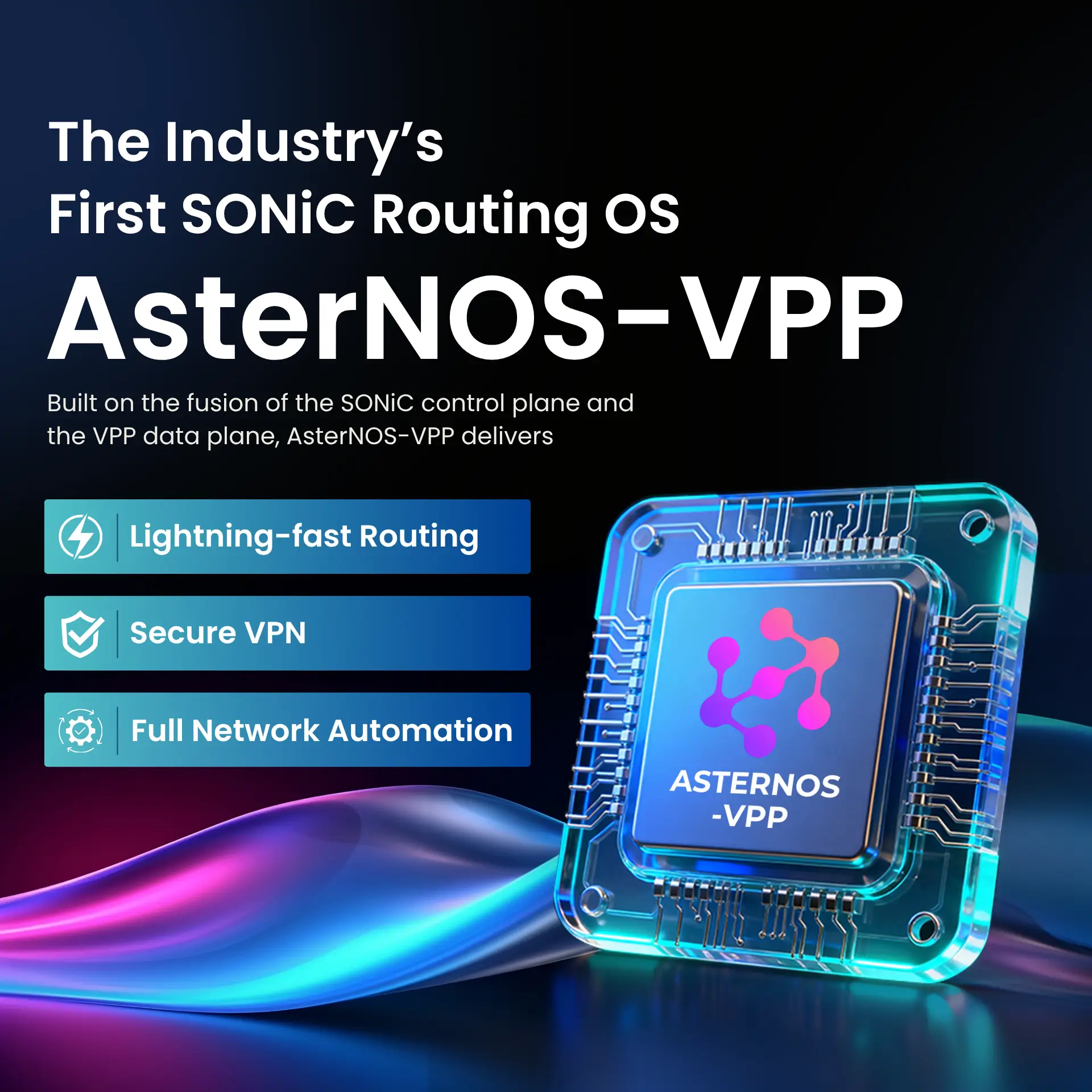
AsterNOS-VPP integrates SONiC's control plane with VPP's high-performance data forwarding for consistent line-rate performance.
When I first deployed AsterNOS-VPP in a test environment, what struck me wasn't the feature list—it was how consistently it maintained performance under load. The architecture makes sense once you understand what it's solving.
Architecture and Design
AsterNOS-VPP is built on the SONiC ecosystem that powers networks at Microsoft Azure, Alibaba Cloud, and other major cloud providers. But here's what makes it different: instead of relying on Linux kernel routing, it integrates VPP (Vector Packet Processing) with DPDK (Data Plane Development Kit) for packet forwarding.
This isn't just a technical detail—it directly impacts performance. Kernel-based routing works fine until you start pushing 25 G or higher consistently. At that point, the CPU becomes a bottleneck. VPP bypasses the kernel, processing packets in userspace with hardware acceleration. The result is line-rate forwarding that remains consistent, regardless of whether you're at 10% or 90% utilization.
The modular design means you can run AsterNOS-VPP on different hardware:
ARM-based systems (Marvell OCTEON DPU for production)
x86 servers (best with DPDK-compatible network cards)
Virtual environments (KVM, VMware ESXi for testing)
White-box switches (Asteraix ET series)
What this flexibility provides is the ability to start testing in a VM, validate performance on x86, then deploy to production hardware without changing your configuration approach.
Deployment and Management
AsterNOS-VPP offers three management approaches, and I found myself using different ones depending on the task:
Web UI for daily operations:
Interface configuration, basic routing, VPN setup
Dashboard monitoring (throughput, route counts, system health)
Good for common tasks without CLI knowledge
Klish CLI for network engineers:
# Familiar command structure for Cisco/Juniper admins
admin@asternos> configure
admin@asternos(config)> router bgp 65001
admin@asternos(config-router)> neighbor 10.0.1.2 remote-as 65002
API for automation:
gNMI, NetConf, RESTful endpoints
Works with Ansible, OpenStack, Kubernetes
ZTP (Zero Touch Provisioning) for mass deployment
The ZTP feature deserves mention. When you're deploying 50+ devices, the ability to boot a switch, have it pull configuration automatically, and join the network without manual intervention isn't just convenient—it's essential.
Enterprise Features
Beyond basic routing, AsterNOS-VPP includes capabilities needed for modern networks:
Multi-tenant networking:
BGP with EVPN for network segmentation
VXLAN tunneling
Route distinguishers and route targets
Security and authentication:
IPsec and WireGuard VPN at line rate
RADIUS integration for centralized authentication
ACLs applied at hardware speed
High availability:
VRRP for router redundancy
Hitless software upgrades
Configuration rollback
ISPs features:
NAT/CGNAT for service providers
Traffic mirroring for monitoring
QoS at wire speed
When AsterNOS-VPP Makes Sense
Based on real testing, I'd recommend AsterNOS-VPP when:
Your network throughput is consistently 25G+ per link. Below that, kernel routing works fine and you don't need VPP's complexity.
You're managing 50+ devices and need automation. The SONiC ecosystem with ZTP and API integration pays off at scale.
You want to avoid vendor lock-in. Running on white-box hardware means you control the upgrade path.
Your team has Linux networking experience. Basic setup is straightforward, but optimizing BGP, EVPN, or VPP parameters requires understanding the underlying concepts.
→ Download AsterNOS-VPP Free | → Quick Start Guide | → Feature List
Enterprise Traditional Routing: VyOS
VyOS provides mature, CLI-driven enterprise routing with comprehensive protocol support and a decade of production validation.
Since 2013, VyOS has evolved into the default choice for network engineers seeking open-source routing without capability compromises. Built on Debian Linux with battle-tested kernel routing, it powers thousands of enterprise networks worldwide.
What Makes VyOS Reliable
The foundation is solid: Debian Linux with kernel routing that's been proven across thousands of deployments. The Vyatta-style CLI will be immediately familiar if you've worked with EdgeOS or early Vyatta systems.
Core capabilities include:
Comprehensive routing: Static, RIP, OSPF, BGP, IS-IS with full feature support
VPN Suite: IPsec (IKEv2/IKEv1), OpenVPN, WireGuard with hardware crypto acceleration
High Availability: VRRP/VRRP3 with sub-second failover, configuration synchronization
Policy Routing: Flexible traffic engineering, source-based routing, PBR with route maps
Firewall & NAT: Zone-based firewall, stateful inspection, carrier-grade NAT support
The CLI is where VyOS shines. Commands are logical, tab completion works well, and configuration rollback is built in. For network teams accustomed to CLI-driven workflows, this feels natural.
Performance Characteristics
VyOS uses Linux kernel routing, which has specific performance characteristics often misunderstood:
Excellent Performance Scenarios:
1-10G sustained traffic: Handles line-rate forwarding with standard server hardware
Multi-site enterprise WAN: Typical enterprise scenarios (1G-10G links, BGP, OSPF)
Up to 1M BGP routes: Production-tested with full internet routing tables
VPN termination: Hundreds of concurrent IPsec/OpenVPN tunnels with AES-NI
Realistic Comparison:
VyOS can absolutely handle 25G+ routing in production, but achieving consistent line-rate performance requires:
Hardware selection (server-grade NICs, adequate CPU)
Kernel tuning (interrupt affinity, buffer sizes, offload settings)
Traffic patterns consideration (packet size distribution matters)
VPP-based solutions (like AsterNOS-VPP) achieve this more easily through userspace packet processing, making them better suited for data centers where 25G+ is the baseline and consistent line-rate performance is non-negotiable.
When VyOS Makes Sense
I'd recommend VyOS for:
Multi-site enterprise networks where you need reliable BGP, OSPF, and VPN connectivity between offices. 1G-10G connectivity is typical.
Teams with CLI expertise who prefer command-line configuration over graphical interfaces.
ISP Edge Routing, where you need customer aggregation, BGP peering with providers, and policy routing for traffic engineering, proven stability is crucial.
There are several release channels for VyOS, including the fast-moving Rolling Release (for the newest features, less stable) and more tested versions like Stream (tech previews for future LTS) and older LTS (Long Term Support) (stable, for production with security/bug patches). The decision between the Rolling Release and LTS versions is a trade-off between new features and reliability, catering to various user needs. The Rolling Release receives regular upgrades, while the LTS versions are maintained for a longer period.
Getting Started with VyOS
The deployment path is straightforward:
Download ISO or deploy on your preferred hypervisor
Access CLI and run through initial configuration
Set up routing protocols as needed
Test failover and redundancy scenarios
The community documentation is extensive, with examples for most common configurations.
SME Security: pfSense
pfSense delivers industry-standard firewall capabilities with an intuitive web interface. pfSense has been the benchmark for open source firewalls since 2004. Built on FreeBSD, it focuses on security, stability, and ease of management.
Why pfSense Became the Standard
The Web UI makes pfSense accessible to IT generalists, not just network specialists. You can configure firewall rules, VPN tunnels, and NAT policies without touching a command line.
Core features include:
Stateful firewall with detailed rule management
VPN (IPsec, OpenVPN, WireGuard)
Traffic shaping and QoS
Captive portal for guest networks
High availability with CARP
The package system extends functionality:
Snort/Suricata for IDS/IPS
pfBlockerNG for DNS filtering and ad blocking
HAProxy for load balancing
ntopng for traffic analysis
Real-World Usage
I've deployed pfSense in SME environments ranging from 10 to 100 users. What makes it work well is the balance between capability and accessibility.
Common scenarios where pfSense excels:
Office firewall with site-to-site VPN
Guest network isolation
Bandwidth management per user/department
Basic IDS monitoring for security compliance
Where it reaches limits:
Networks requiring 25G+ routing performance
Complex automation across many devices
Advanced BGP configurations
pfSense CE (Community Edition): The open-source version, licensed under Apache 2.0. Although it lacks several proprietary features featured in the Plus edition, it is free for both personal and business use.
pfSense Plus: Netgate owns the proprietary commercial fork. It comes with Netgate hardware and can be purchased as a subscription for hardware made by third parties. Boot Environments, AWS VPN Wizard, and OpenVPN DCO are among its special features.
pfSense Plus: Usually receives updates and bug fixes prior to the Community Edition and adheres to a predetermined schedule (usually three times a year). Compared to both OPNsense and pfSense Plus, pfSense CE occasionally releases updates on a "when ready" basis, which may result in lengthier wait times for non-critical fixes.
For the typical SME use case (secure internet access, VPN for remote workers, basic traffic management), pfSense provides everything needed with minimal complexity.
Getting Started
The deployment is simple:
Install on x86 hardware or VM
Run initial setup wizard in web interface
Configure WAN/LAN interfaces
Set up firewall rules and VPN as needed
The web interface guides you through common tasks, and the community forums provide answers for more complex scenarios.
SME Modern Alternative: OPNsense
OPNsense offers similar functionality to pfSense with a more modern interface and frequent security updates. OPNsense forked from pfSense in 2014 with a focus on better UX and faster security updates. The core functionality is similar, but the execution differs. OPNsense: Uses the 2-clause BSD license and is completely open-source. The OPNsense Business Edition, which offers professional support from Deciso B.V., and the free edition share the same capabilities; there is no "Plus" version.
OPNsense: Has two major releases annually and minor security upgrades around every two weeks, following a rigorous, predictable cadence. Although it necessitates more regular management, this frequent cycle frequently delivers security patches and features faster.
Key Differences from pfSense
Interface: The Web UI is cleaner and more modern. Setup wizards guide initial configuration.
Updates: Security patches arrive faster, typically within days of vulnerabilities being disclosed.
Features: Many capabilities that require packages in pfSense are built into OPNsense by default.
When to Choose OPNsense Over pfSense
If you want:
More frequent security updates
Modern interface design
Built-in features without package management
Both are excellent choices for SME security. The decision often comes down to personal preference and which interface feels more intuitive to your team.
Security-focused lightweight firewall: IPFire
IPFire represents a different design philosophy from pfSense and OPNsense: security-first, modular architecture, and minimal resource requirements. Calling it merely a "budget option" undersells its intentional design choices.
What IPFire Does Well
Minimal resource usage: Operates effectively on 2GB RAM, making it viable for older hardware or very small deployments.
Simple interface: The Web UI shows only core functions—firewall, VPN, DHCP, and DNS. No overwhelming options.
Modular architecture: Enable only the features you need, keeping the system lean.
When IPFire Makes Sense
Small offices (5-15 users) with basic internet security needs
Tight hardware budgets where repurposing old equipment is necessary
Simple network requirements without multi-site connectivity or complex routing
Limitations
IPFire lacks:
Advanced routing protocols (no BGP, limited OSPF)
High-availability features
Extensive plugin ecosystem
For its IPFire has a strong security focus and a modular architecture. In the target scenario (small office, basic security, minimal budget), these limitations don't matter. It does what it's designed to do efficiently.
Home Use: OpenWrt
OpenWrt offers maximum customization with 27,000+ packages for home and SOHO networks
OpenWrt transforms consumer routers into customizable network devices. With 27,000+ available packages and support for 500+ router models, it's the Swiss Army knife of home networking.
Why OpenWrt Stands Out
The package system lets you build exactly the router you need:
WireGuard or OpenVPN for secure remote access
AdGuard Home for network-wide ad blocking
SQM QoS for gaming or streaming optimization
802.11s mesh for multi-router coverage
Custom DNS with filtering and monitoring
Real-World Applications
I've used OpenWrt for:
Home VPN server (accessing home network while traveling)
Network-wide ad blocking (all devices protected)
Guest network with bandwidth limits
Custom DNS with malware filtering
The flexibility means you can adapt as needs change. Want to add a VPN next month? Install the package. Need better QoS for video calls? Configure it without replacing hardware.
The Learning Curve
OpenWrt requires more investment than consumer router firmware:
Understanding package management
Comfortable with configuration files
Some CLI usage for advanced features
The LuCI web interface has improved significantly, making common tasks more accessible. But advanced configurations still benefit from CLI knowledge.
Getting Started
Check if your router is supported
Flash OpenWrt firmware
Access web interface (LuCI)
Install packages for your use case
Configure as needed
The documentation is comprehensive, with guides for most common scenarios.
Home Use Simplified: DD-WRT
DD-WRT provides enhanced router features with simpler setup than OpenWrt
DD-WRT takes a different approach to home routing: most common tools are built in, reducing the need for package management.
What DD-WRT Includes by Default
Core networking features are pre-configured:
VPN client and server
Advanced QoS
VLAN support
Wireless bridging and repeating
Bandwidth monitoring
The web interface makes these features accessible without extensive configuration.
When to Choose DD-WRT Over OpenWrt
If you want:
Enhanced router features without complexity
Working tools out of the box
Less time configuring, more time using
DD-WRT doesn't have OpenWrt's extensive package ecosystem, but it covers 90% of common home networking needs with a simpler setup.
Compatibility Note
DD-WRT supports a wide range of chipsets, including Broadcom (historically strong), Atheros/Qualcomm Atheros (very good support), Ralink/MediaTek, and Marvell. So, DD-WRT often has better support for certain chipsets, while OpenWrt excels with others.
Choosing the Right Router OS
These seven systems represent different approaches to network management. Your choice should align with your network requirements and team capabilities.
For Data Centers and High-Performance Networks
Choose AsterNOS-VPP if:
You need 25G+ line-rate performance consistently
Automation at scale matters (50+ devices)
Your team has Linux networking expertise
You want to avoid vendor lock-in
Choose VyOS if:
Traditional enterprise routing (1-10G) is sufficient
Your team prefers established CLI workflows
Proven stability matters more than cutting-edge features
For Small to Medium Enterprises
Choose pfSense or OPNsense if:
You need comprehensive firewall with Web UI management
Security features like IDS/IPS are important
Your network handles 10-50 users
You want industry-proven solutions
Choose IPFire if:
Budget constrains hardware options
Basic firewall and VPN are sufficient
You're supporting small office (5-10 users)
For Home and SOHO
Choose OpenWrt if:
You want maximum customization
You're comfortable with package management
Your needs may evolve over time
Choose DD-WRT if:
You want enhanced features simply
Built-in tools are sufficient
Setup time matters more than extensibility
Frequently Asked Questions
How do I know which router OS is right for my network?
Start with your throughput requirements:
25G+ consistently? Consider AsterNOS-VPP for hardware acceleration
1-10G enterprise? VyOS offers mature stability
SME firewall? pfSense/OPNsense are industry standards
Home use? OpenWrt for flexibility, DD-WRT for simplicity
Then consider team expertise:
Comfortable with Linux networking? AsterNOS-VPP or VyOS
Prefer Web UI? pfSense, OPNsense, IPFire
Want minimal configuration? DD-WRT
Can I test these before committing?
All seven options can be tested at no cost:
AsterNOS-VPP, VyOS, pfSense, OPNsense: Deploy in VM for testing
IPFire: Run on old hardware without investment
OpenWrt, DD-WRT: Test on supported router (check compatibility first)
Start with lab testing, then pilot in isolated environment before production deployment.
What level of networking knowledge is required?
For basic deployment:
Understanding of IP addressing and subnetting
Familiarity with routing concepts
Ability to follow documentation
For advanced features:
Experience with routing protocols (BGP, OSPF)
CLI proficiency (for VyOS, advanced AsterNOS-VPP)
Understanding of automation tools (for large-scale deployments)
Web-based systems (pfSense, OPNsense, IPFire) have lower entry barriers for daily management.
Is commercial support available?
Support options vary:
AsterNOS-VPP: Community forums, commercial support available
VyOS: Community forums, commercial subscriptions
pfSense: Community forums, Netgate offers commercial support
OPNsense: Community forums, commercial support available
IPFire: Community forums
OpenWrt/DD-WRT: Community forums and documentation
For production deployments, evaluate support requirements and availability before committing.
How do these compare to commercial routers?
Functionality: These open source solutions often match or exceed commercial routers in features.
Performance: AsterNOS-VPP and commercial routers both achieve line-rate performance (implementation differs).
Cost: Open source eliminates license fees (hardware and support costs remain).
Flexibility: Open source provides more customization without vendor restrictions.
Support: Commercial vendors provide guaranteed support; open source relies on community (commercial support available for some).
The choice depends on your priorities: cost savings, flexibility, vendor support, or established relationships.
Next Steps
Ready to Test?
For Data Center / Enterprise Networks:
→ Download AsterNOS-VPP and deploy in lab
For SME Deployments:
Test in VM before production
Review community forums for your use case
For Home Networks:
Check router compatibility
Start with basic features, expand as needed
Need Guidance?
Not sure which router OS fits your requirements? Contact us for consultation.